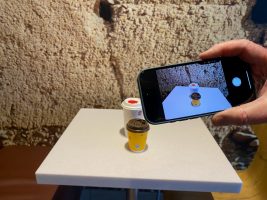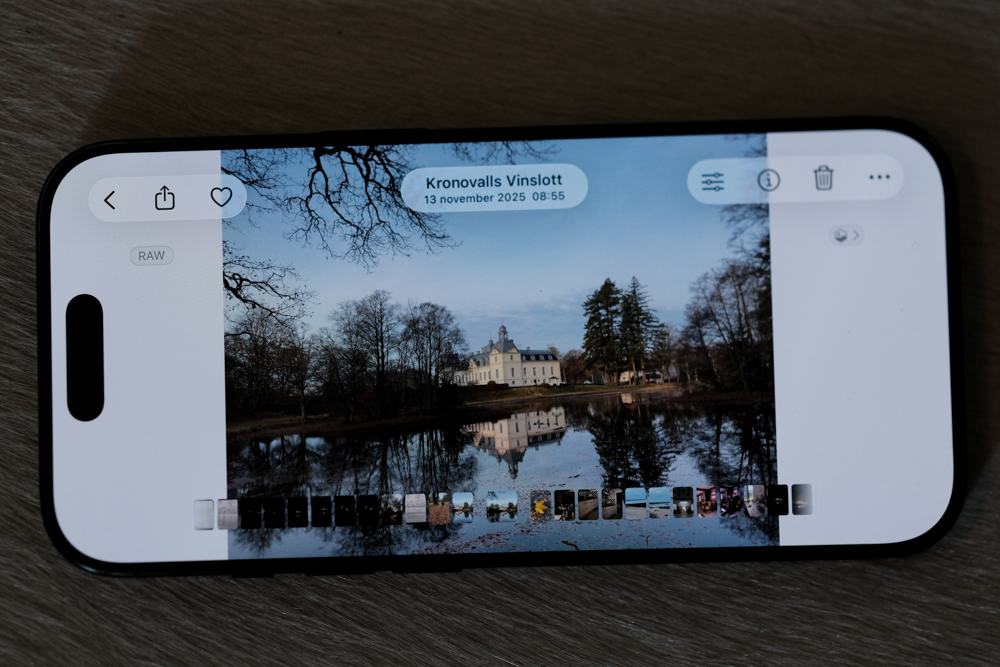
Regular readers of my blog might remember that I recently set out to make a serious effort to use my iPhone 16 Pro as a dedicated “B-camera” for my casual walkabouts.
Let’s start with the positives: without hesitation, I can say that the iPhone is capable of producing incredibly professional-looking images. In the right conditions, the quality is easily good enough for a print at an art fair.
However, after putting it through its paces, the experiment hasn’t gone exactly as planned. Here is why the iPhone still can’t replace a traditional camera workflow—and where it actually shines.
The Problems: Clinical Software & Clunky Controls
1. The Images Look Too “Clinical”
The first major issue is the rendering. There is simply too much software intervention and computational processing involved. While this aggressive digital optimization works sometimes, more often than not, the results look sterile and boring. It lacks the organic soul and character you get from a dedicated sensor and glass.
2. A Frustrating User Interface
If you are truly into photography, you want control. You want to adjust your EV (exposure compensation) constantly and manually tweak the exposure triangle to get the exact look you want. On a smartphone, trying to adjust these settings on a single, cramped touch screen is frustratingly slow. It completely breaks the flow of shooting.
3. Third-Party Apps are Too Unreliable
I can already hear some of you saying, “But what about third-party manual camera apps?” And yes, you’re right—there are apps out there that offer a vastly superior interface compared to the native Apple Camera app. The problem is reliability. They bug out far too often, especially when trying to integrate with the iPhone 16 Pro’s new physical Camera Control button. When you’re trying to capture a fleeting moment, a glitching app is the ultimate dealbreaker.
So, When Do I Actually Use the iPhone Camera?
Despite these frustrations, the iPhone hasn’t been relegated to my pocket entirely. It has found a very specific niche in my daily life:
Visual Reminders: It is the ultimate tool for capturing functional information—a good bottle of wine I enjoyed, store opening times, or a parking spot location.
Heavy Rain & Foul Weather: When the weather turns nasty and I don’t dare risk exposing my primary, expensive camera gear to the elements, the iPhone’s weather sealing gives me the confidence to keep shooting.
Low-Light and Night Scenarios: Apple’s Night Mode computation is genuinely impressive. For quick, handheld night shots where setting up a tripod for a traditional camera is too tedious, the iPhone delivers surprisingly great results.
The Verdict
As a casual documentation tool and a foul-weather backup, the iPhone 16 Pro is brilliant. But as a true “B-camera” for serious creative photography? The clinical rendering and clunky interface mean my dedicated cameras aren’t going anywhere anytime soon.
What are your thoughts? Have you successfully integrated a smartphone into your professional workflow, or do you run into the same roadblocks? Let me know in the comments!